
Digitale Klantenkaart voor Salon Operations
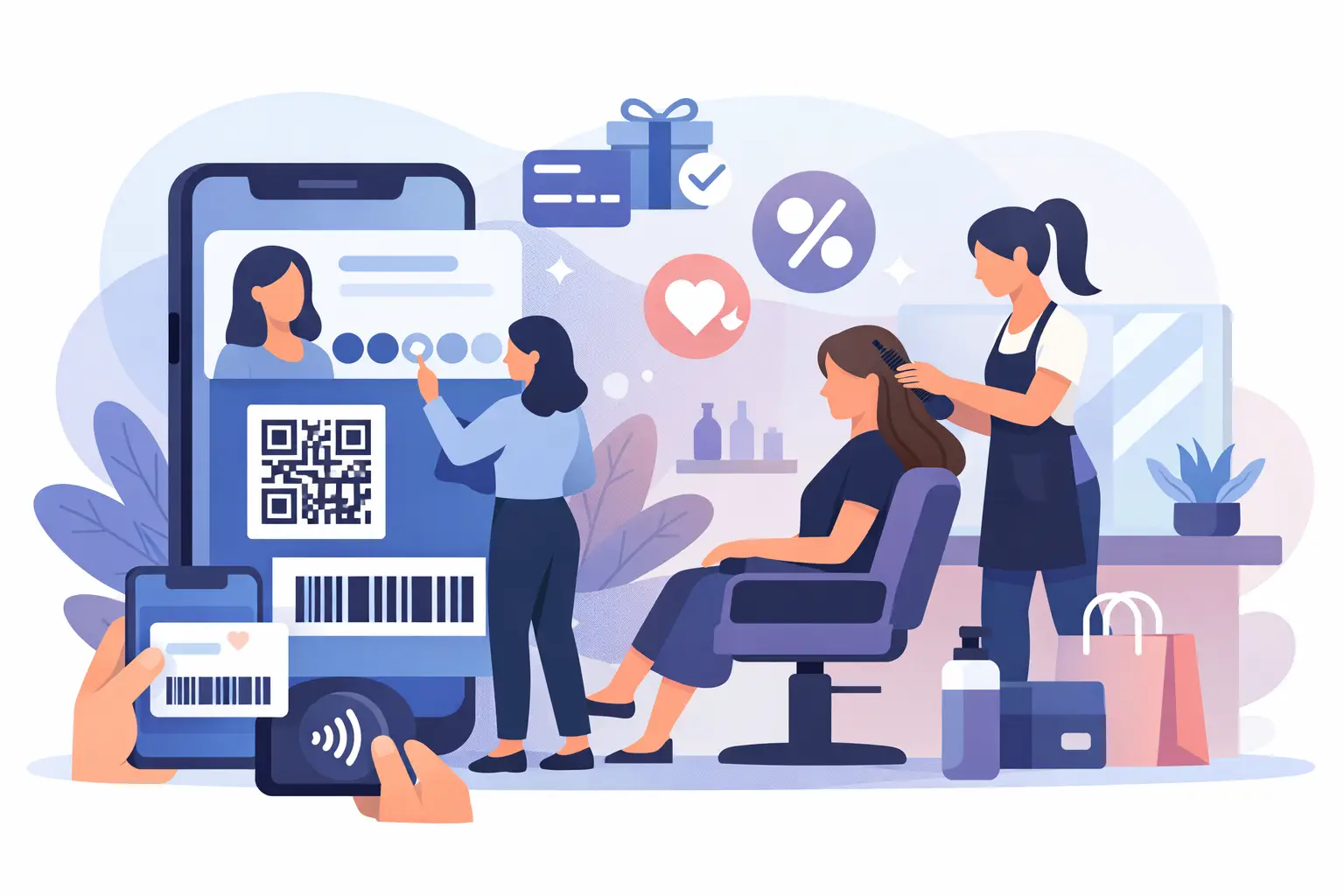
A client who returns for a toner, trim, or monthly facial should not have to repeat their preferences at every visit. A digitale klantenkaart voor salon operations puts the details that matter - service history, formulas, notes, purchases, preferences, and visit activity - in front of the team when they need them.
For salon owners, this is not simply a paper stamp card moved onto a phone. It is a practical CRM tool that helps the front desk recognize regulars, helps staff deliver more consistent service, and gives managers a clearer view of who is coming back, who is drifting away, and what follow-up can bring them in again.
What a digitale klantenkaart for salon teams should do
A digital client card is a living customer record connected to appointments, payments, and communications. Every booking and completed visit adds useful context. Instead of searching through old appointment notes, scattered messages, and separate contact lists, your team can work from one profile.
The strongest setup combines customer details with the operational data behind them. A stylist can see a guest's previous color service and product recommendations. A receptionist can confirm their preferred provider or flag an outstanding balance. A manager can identify clients who have not booked within their normal return window.
That central record turns routine interactions into better service. It also removes the guesswork that appears when customer information sits in notebooks, personal phones, a standalone rewards app, and a booking calendar that does not communicate with the rest of the business.
The information worth capturing
Not every note deserves a permanent place in a client profile. The goal is useful context that helps your team serve the client well and market responsibly. Most salons benefit from keeping four types of information together:
- Contact details and communication preferences, including consent for promotional messages.
- Appointment history, services, providers, cancellations, no-shows, and upcoming bookings.
- Service notes such as color formulas, sensitivities, preferred treatments, style goals, and retail recommendations.
- Visit frequency, spending patterns, tags or segments, and campaign activity.
The exact fields depend on your business. A hair salon may need formula history and processing notes, while a med spa or clinic may need more detailed treatment documentation and privacy controls. Start with information your staff can act on. A cluttered profile is no better than an incomplete one if no one can find what matters during a busy shift.
Better retention starts with a connected client record
Client retention is often discussed as a marketing problem. In reality, it begins at the appointment. If a guest has to explain their preferences again, feels unrecognized because their history is missing, or receives a promotion for a service they just booked, the experience feels disorganized.
A digital client card gives every staff member a reliable view of the relationship. That consistency is especially valuable for salons with multiple providers, changing schedules, or a growing front-desk team. The client still feels recognized even when their usual stylist is unavailable.
It also creates better timing for follow-up. A client who typically returns every six weeks is different from someone who visits twice a year. When booking and CRM data live together, your business can use actual appointment behavior to guide reminders and campaigns instead of sending the same message to every contact.
For example, a salon might send a rebooking prompt after a color service, a targeted offer to guests who have not returned in 90 days, or a birthday greeting to loyal clients. These are not random promotions. They are relevant actions based on the record your team already maintains.
Recognition without the paper-card problems
Traditional punch cards are simple, but they create friction. Clients forget them, staff forget to stamp them, and there is little visibility into whether the gesture brings people back or only discounts visits that would have happened anyway.
Digital recognition works best when it is part of the same workflow as booking and client records. Visit counts, service history, and segment membership should update as appointments complete, not require a separate manual step at the counter. Clients get a more personal experience, and managers can track whether recognizing regulars is improving visit frequency, average ticket value, or both.
There is a trade-off. A standing discount for regulars that is too generous can reduce margin without creating meaningful retention. One that is too complicated will not be used. Keep any offer easy to explain, clearly tied to the visit behavior you want to encourage, and visible in the client profile so staff can confidently honor it.
Make the front desk faster, not more complicated
A client database only creates value if it supports the pace of the salon. During check-in, the team needs quick access to upcoming appointments, notes, balances, and preferences. During checkout, they need to process payment, honor any agreed discount, schedule the next visit, and update the record without opening multiple systems.
This is where a unified operating platform changes the day-to-day workflow. With CleverBooking, appointment scheduling, customer records, payments, campaigns, staff management, and analytics are managed from one dashboard. The client card becomes part of the process rather than another task for the team to remember.
That connection matters when the schedule changes. If a client reschedules, cancels, or books online with a different provider, their history remains with the client record. Staff can respond with context, and managers can see patterns across the business rather than relying on anecdotal feedback.
A centralized profile also improves accountability. Notes should be clear, professional, and relevant to service delivery. Give staff a simple standard for what to record after each visit, and review whether that information is being used. The objective is not to document every conversation. It is to protect service quality and make the next appointment easier to deliver.
Use your client data to make smarter decisions
The real advantage of a digital client card appears when individual records can be viewed across the business. A manager should be able to see more than the total number of customers. Useful questions include: Which services create the highest repeat rate? Which providers retain first-time guests most effectively? How many clients leave without a future booking? Which campaigns drive appointments rather than just opens?
When client, booking, and payment data are disconnected, answering those questions takes spreadsheet work and assumptions. When they are connected, analytics can support decisions about staffing, promotions, service menus, and rebooking goals.
Do not treat every client the same. New guests may need a welcome sequence and a reason to book again. Regulars may respond better to convenient reminders than discounts. High-value clients may value priority access, personalized recommendations, or a simple recognition of their preferences. Segmentation should make communications more useful, not more frequent.
There is also a privacy responsibility. Collect only what supports the client relationship, limit access based on staff roles, and respect communication preferences. Clear data practices build trust, particularly when profiles include personal service notes or payment-related information.
How to roll out a digital client card successfully
The best implementation is focused. Begin by cleaning existing records so duplicates, outdated contacts, and incomplete profiles do not move into the new process. Decide which fields are required at booking, which are updated after service, and who owns each step.
Next, train the team around real moments in the day: online booking, check-in, consultation, checkout, rebooking, and follow-up. Staff do not need a lecture on CRM strategy. They need to know where to look, what to update, and how the information helps them provide better service.
Set a few measurable goals for the first 60 to 90 days. You might track the percentage of appointments with completed notes, future bookings made at checkout, repeat visits from first-time guests, or repeat visits from campaign recipients. These measures show whether the system is improving the client journey and the business results behind it.
A digital client card should make every return visit feel more familiar and every operational decision more informed. When your team can see the full client relationship in one place, the next appointment becomes more than a slot on the calendar. It becomes a stronger reason for that client to choose your salon again.