Salon CRM Versus Generic CRM: Which Fits?
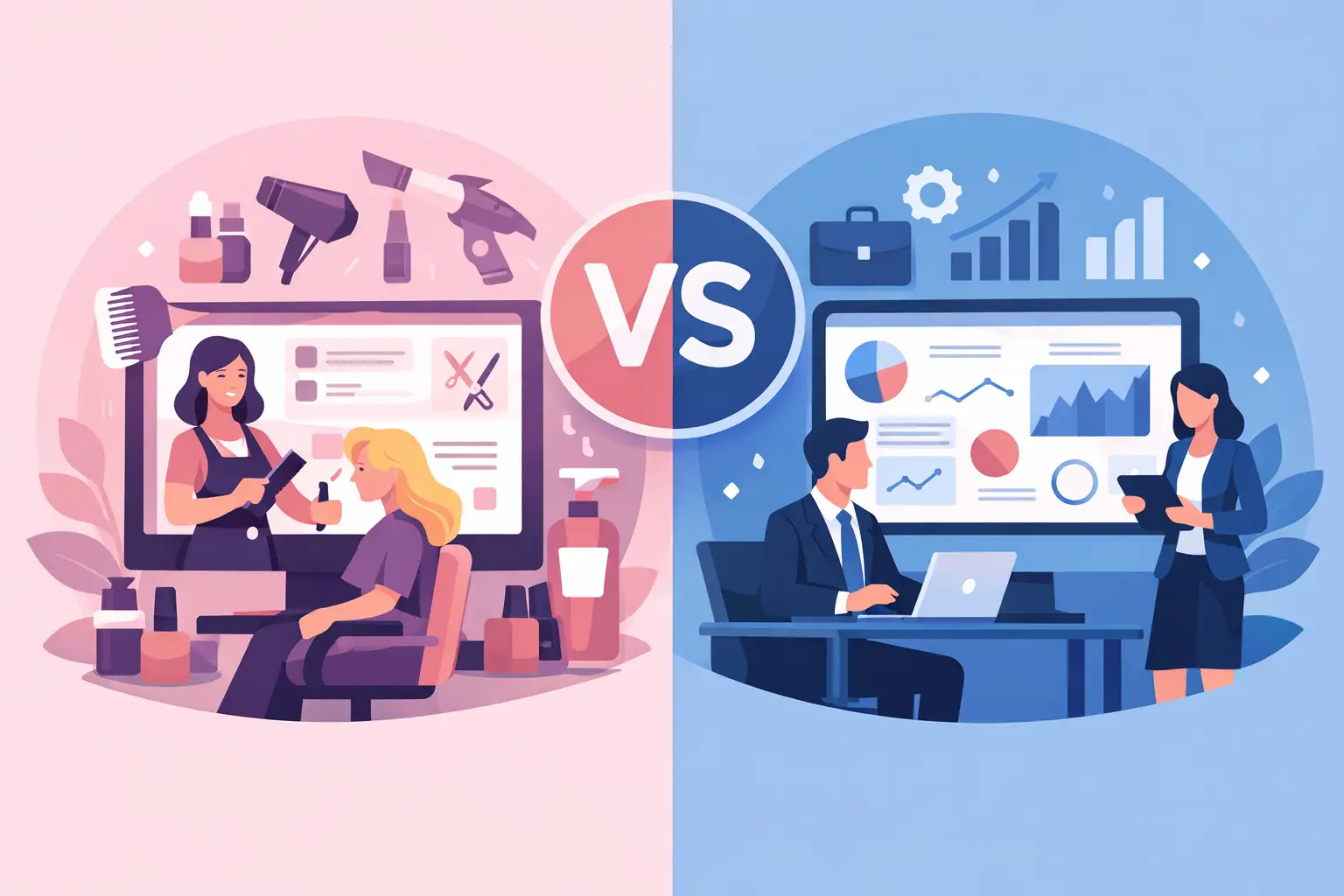
A missed appointment is not just an empty 45-minute slot. It can mean lost service revenue, an unfilled staff schedule, and a client who never receives the reminder or follow-up that might have brought them back. That is where the salon CRM versus generic CRM decision becomes practical. The question is not whether your business needs customer data. It is whether that data works alongside the daily operations that create revenue.
A generic CRM can be useful for managing leads, sales pipelines, and account notes. But salons, spas, beauty studios, and other appointment-based businesses operate on a different rhythm. Your customer relationship is built through bookings, service history, provider preferences, payments, cancellations, rebooking, and timely marketing. The right system should help your team act on those details without moving between disconnected tools.
What a Generic CRM Does Well
Generic CRMs are designed to work across many industries. A real estate team, B2B sales organization, insurance agency, and local service business can all use the same basic structure: contacts, notes, tasks, deal stages, and reports.
For a salon owner, this can be helpful when the priority is lead tracking. If you run paid campaigns for bridal packages, memberships, or high-value treatments, a generic CRM may give you flexibility to create custom sales pipelines and detailed follow-up tasks. It may also connect with a broad range of third-party tools.
That flexibility comes with a trade-off. Generic systems usually expect you to define your own workflows, fields, automations, and integrations. They may know that a prospect received an email, but not that a returning client has canceled two color appointments, prefers a specific stylist, and is due for a follow-up service in six weeks.
For businesses with a dedicated sales team and unusual workflow requirements, the setup effort may be justified. For a busy front desk, it often creates another system to maintain.
Salon CRM Versus Generic CRM in Daily Operations
The clearest difference appears during a normal workday. A salon CRM is built around the appointment as the center of the customer record. The booking is not separate from the relationship. It creates the relationship data your team needs to deliver better service and improve retention.
Booking context is customer context
When a client books online or calls the front desk, your team needs more than a name and phone number. They may need to see previous services, favorite provider, product purchases, allergies or service notes where appropriate, no-show history, package balance, and upcoming appointment activity.
In a salon-focused platform, these details can sit with the booking workflow. A receptionist can confirm an appointment, review relevant client history, process payment, and schedule the next visit from the same operating environment. That reduces duplicate data entry and helps the client receive a more consistent experience.
With a generic CRM, the same information may be spread across a calendar, payment processor, client notes, and marketing platform. It is possible to connect these tools, but each connection introduces setup work, cost, and a chance for records to fall out of sync.
Staff scheduling changes the equation
Salon revenue depends on capacity. You are not only managing clients. You are coordinating providers, rooms, chairs, service durations, breaks, commissions, and last-minute changes.
A generic CRM rarely treats staff availability as a core operational function. It may record that a customer is assigned to an employee, but it does not necessarily prevent double booking, account for appointment duration, or show where open capacity exists across the day.
A salon CRM should make scheduling decisions easier. Managers need visibility into booked hours, open slots, provider performance, and service demand. Staff need calendars that reflect the work they are actually scheduled to perform. Clients need a booking page that only shows relevant available times.
Retention campaigns need service data
Most appointment businesses do not grow through one-time transactions. They grow when clients rebook regularly, respond to relevant offers, and build trust with the business and its team.
Generic CRMs can send campaigns, but their marketing logic often starts with lead status or sales activity. Salon marketing works better when it reflects service behavior. A client who has not returned for a cut in 10 weeks needs a different message than someone who purchased a gift card, missed an appointment, or routinely books a massage every month.
A salon-specific CRM can segment clients using the information generated by appointments and payments. That makes campaigns more timely and less generic. Instead of sending one promotion to everyone, you can focus on clients who are overdue, inactive, newly acquired, or likely to rebook a particular service.
Where a Salon CRM Creates Measurable Value
The value of a salon CRM is not simply that it has more features. It is that the features are organized around one connected workflow: discovery, booking, service delivery, payment, follow-up, and reporting.
That connection helps reduce common operational leaks. Automated reminders can lower no-shows. Online booking can capture appointments when the front desk is busy or closed. Client records can help staff personalize visits. Rebooking prompts can turn a completed service into future revenue. Centralized reporting can show which services, team members, campaigns, and booking channels are producing results.
It also improves management control. When client records, calendars, payment activity, and campaigns live in different systems, reporting becomes a manual project. Managers may know total sales but struggle to see whether retention is improving, whether a promotion drove bookings, or whether a specific provider has unused capacity.
A platform such as CleverBooking brings bookings, customer records, staff management, payments, campaigns, and analytics into one dashboard. For an operator, that means fewer handoffs between tools and a clearer view of the full client journey.
When a Generic CRM May Still Be the Better Choice
A salon CRM is not automatically the best answer for every business. If your company has a complex corporate sales process, multiple locations with enterprise-level sales teams, or a highly specialized technology stack, a generic CRM may offer deeper customization for lead management.
It can also be the right choice if appointments are a minor part of the business. For example, a beauty product distributor that occasionally hosts consultations has different needs from a salon that processes dozens of appointments every day.
The key is to separate flexibility from usefulness. A generic CRM may allow you to build nearly any workflow, but your team must have the time and expertise to build, train, maintain, and monitor it. A salon CRM typically provides the operational structure from the start, with less configuration required for appointment-driven work.
Questions to Ask Before You Choose
Before selecting either system, look at the work your front desk and managers repeat every day. Can the system show a complete client record while scheduling an appointment? Can it support online booking on a branded page? Can staff availability, payments, cancellations, reminders, and marketing activity be managed without switching tools?
Also ask what reporting you need to make decisions. If you want to improve rebooking, reduce no-shows, increase provider utilization, and measure campaign results, your CRM needs data from more than contact forms and email opens. It needs operational data from the appointment lifecycle.
Finally, consider adoption. The best CRM is not the one with the longest feature list. It is the one your front desk, providers, and managers can use consistently during a busy shift. A system that requires manual updates after every appointment will quickly become incomplete. A system that captures information as part of booking, payment, and follow-up is more likely to remain accurate.
Choose the System That Matches How You Earn Revenue
For appointment-driven businesses, the CRM should support the work that happens between the first booking and the next visit. If your team spends its day managing calendars, clients, providers, payments, and follow-up, those functions should work together by design.
Start with one practical test: follow a typical client from online booking through checkout and rebooking. If your software makes that journey feel fragmented for your team, it will eventually feel fragmented for your clients too.