What is CRM (customer relationship management)?
A client who doesn't come back after a great treatment is rarely just a marketing problem. More often, the overview is missing: preferences live in a note, the last appointment sits in a separate calendar, and someone still has to remember the follow-up by hand. What is CRM (customer relationship management)? It is how you manage all that client information and every touchpoint in one place, so you can work more deliberately toward repeat appointments and revenue.
For salons, clinics, spas and other businesses that run on appointments, CRM is not an abstract system for big sales teams. It is a practical part of daily operations. You see who is coming in, what they booked before, which treatment fits and when it makes sense to reach out again.
What exactly is CRM (customer relationship management)?
CRM stands for customer relationship management, or in plain terms, managing your client relationships. A CRM system collects data about your clients and makes it usable in your day-to-day work. Think of contact details, appointment history, treatment preferences, notes, payments, marketing consents and previous communication.
The goal is not to store as much data as possible. The goal is to serve every client in a more relevant and consistent way. A receptionist can instantly see that a client always books with the same stylist. A practitioner sees in advance which preferences or points of attention there are. And an owner sees which clients haven't been back in months.
That makes customer relationship management valuable at three moments: before the appointment, during the visit and afterwards. Before the appointment, it helps you offer a suitable time, staff member or service. During the visit, it saves clients from having to explain their preferences all over again. Afterwards, it supports targeted follow-up, such as a reminder for a follow-up treatment or a campaign for clients who book less often.
Why loose client lists quickly fall short
Many service businesses start with a calendar, a phone and a spreadsheet of client names. That works as long as the team is small and the owner remembers everything. But as soon as more staff, services, payment methods and booking channels come into play, the information starts to scatter.
Then an online appointment sits in the calendar, a preference in a staff member's personal note and an outstanding payment in a separate system. The client notices none of it until something goes wrong: a double booking, the wrong treatment, no reminder, or a staff member who doesn't know what was discussed last time.
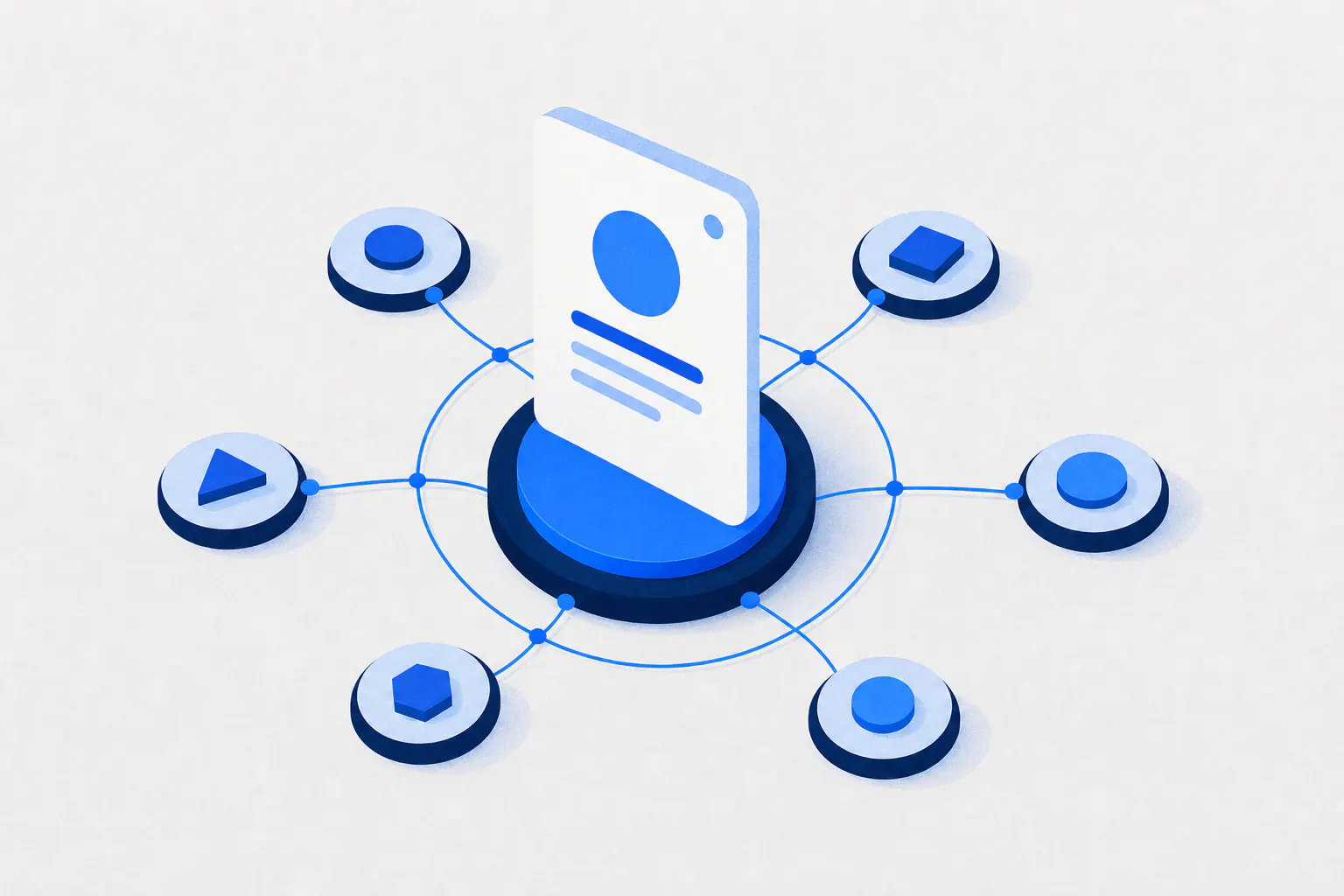
A CRM brings those pieces together around the client profile. That saves more than admin time. It gives your team context at the moment they need it. Good service feels personal to the client, but it shouldn't have to depend on the memory of one staff member.
What information belongs in a good CRM?
The right setup depends on your business. A skin clinic needs different information than a nail studio or hair salon. Still, a few types of data form the foundation for most appointment-based businesses:
- Contact details, preferred language and messaging consent
- Appointment and treatment history, including no-shows and cancellations
- Preferences, relevant notes and favorite staff members
- Purchases, payments and any outstanding balances
- Marketing interactions, such as campaigns received and offers used
Not every note needs to end up in a client profile. Only collect information you need to deliver the service, manage appointments properly or send relevant communication. Especially when you handle health information or other sensitive data, clear access rights and careful data management are essential.
From client data to better follow-up
Client data only pays off once you attach a next action to it. That is where CRM customer relationship management differs from a digital address book. The system helps you spot patterns and plan relevant follow-up.
Say a client normally books a color treatment every six weeks, but after ten weeks still hasn't made a new appointment. A general newsletter is an option, but a friendly, targeted reminder is far more relevant. Or take clients who booked a massage for the first time. You can ask them afterwards how the treatment went and, at the right moment, suggest a follow-up appointment.
None of this has to feel pushy. Good follow-up builds on the service someone has already chosen. Timing, content and frequency decide whether a message feels helpful or comes across as noise. So use segments instead of sending one message to your entire client base.
Useful segments for service businesses
Segmentation means grouping clients by a shared trait or behavior. Practical groups include new clients, regulars, clients who haven't visited in a while, clients with an upcoming appointment and clients who often cancel last minute.
Each group calls for a different approach. New clients benefit from a clear introduction and an easy way to rebook. Regulars appreciate being recognized or offered a relevant extra service. For no-shows, a clear policy with automatic confirmations and reminders usually works better than calling everyone personally, time and again.
CRM, appointments and staff need to work together
A CRM is at its strongest when it isn't separate from your booking calendar. If client profiles and appointments are managed in different places, your team has to keep switching between systems. That costs time at the front desk and increases the chance of mistakes.
In an integrated setup, a client profile is created the moment someone books online or is scheduled by your team. The appointment is linked to the chosen service and staff member. Afterwards, the payment, follow-up advice and any notes are added. The profile grows naturally with every interaction.
That is valuable for staff planning too. You can see which services perform well, which staff members clients rebook with and where capacity is lost to cancellations. These aren't numbers for a report that sits untouched at the end of the month. They help you match schedules, availability and campaigns to real demand.
CleverBooking brings bookings, client profiles, payments, campaigns and reporting together in one dashboard. That way, your team never has to hunt for the latest client information before confirming or following up on an appointment.
What CRM customer relationship management delivers in practice
The commercial value of CRM rarely comes from one big move; it comes from small improvements that repeat. Fewer missed appointments means less lost revenue. Better client context leads to a more professional experience. Targeted rebooking reminders can help bring clients back before they start looking at another provider.
At the same time, CRM helps you assess the quality of your client base. Which services drive the most repeat visits? Which campaigns actually lead to appointments? Which clients are valuable in the long run, rather than only during a one-off promotion? With that information, you can make decisions based on behavior, not just gut feeling.
There are limits, too. CRM doesn't fix poor service, unclear pricing or an overloaded calendar. And automation can start to feel impersonal when messages go out too often or ignore what the client just did. A client who booked yesterday shouldn't receive a campaign today asking them to make an appointment.
How to get started without disrupting your workflow
Don't start with every imaginable field and every possible automation. Start with a clean, usable client profile and agree with your team on which information gets recorded consistently. Think preferences, follow-up advice, cancellations and contact consent. Consistency is worth more than an extensive profile nobody keeps up to date.
Then connect your key client moments to clear actions. Confirm appointments automatically, send a timely reminder and make rebooking easy. Next, pick one campaign that genuinely fits your offering, such as a message for clients who haven't returned after a certain period.
Measure what happens. Don't just look at how many messages were sent; look at rebookings, show-up rates and revenue per client group. If a campaign doesn't produce appointments, adjust your audience, timing or offer first before sending more messages.
Good CRM customer relationship management doesn't make your business less personal. It gives your team the information and structure to put attention where it counts: on the client, at the right moment, with service that fits.